
En raison de différents thèmes, vous pourriez rencontrer un Table des matières collante chevauchant votre menu d'en-tête ou votre pied de page. cependant, BetterDocs gives you the flexibility to increase the z-index of Sticky TOC so that it doesn’t overlap any section of your WordPress Knowledge Base website.
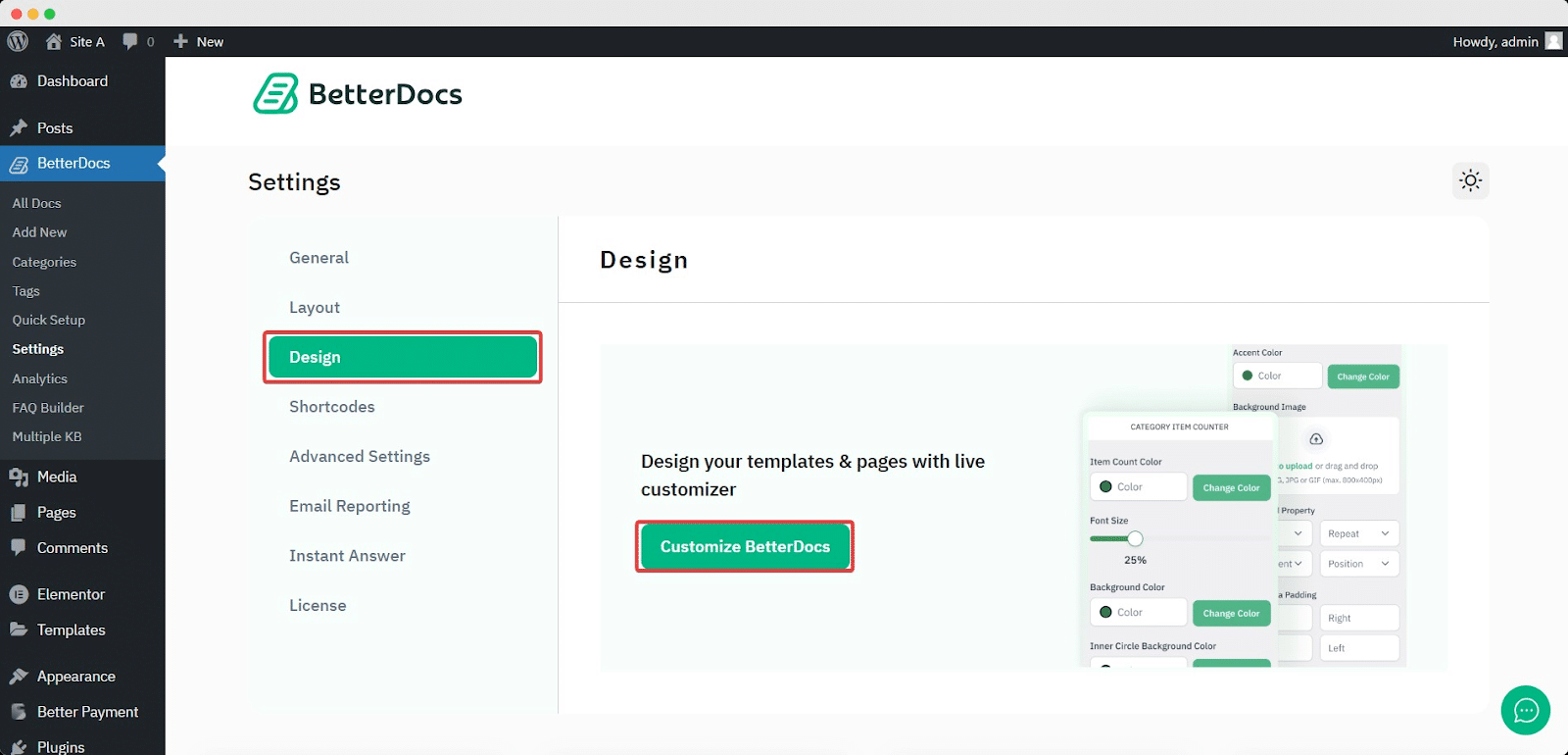
To increase the z-index of Sticky TOC, go to your Tableau de bord WordPress -> BetterDocs -> Conception -> Personnaliser.
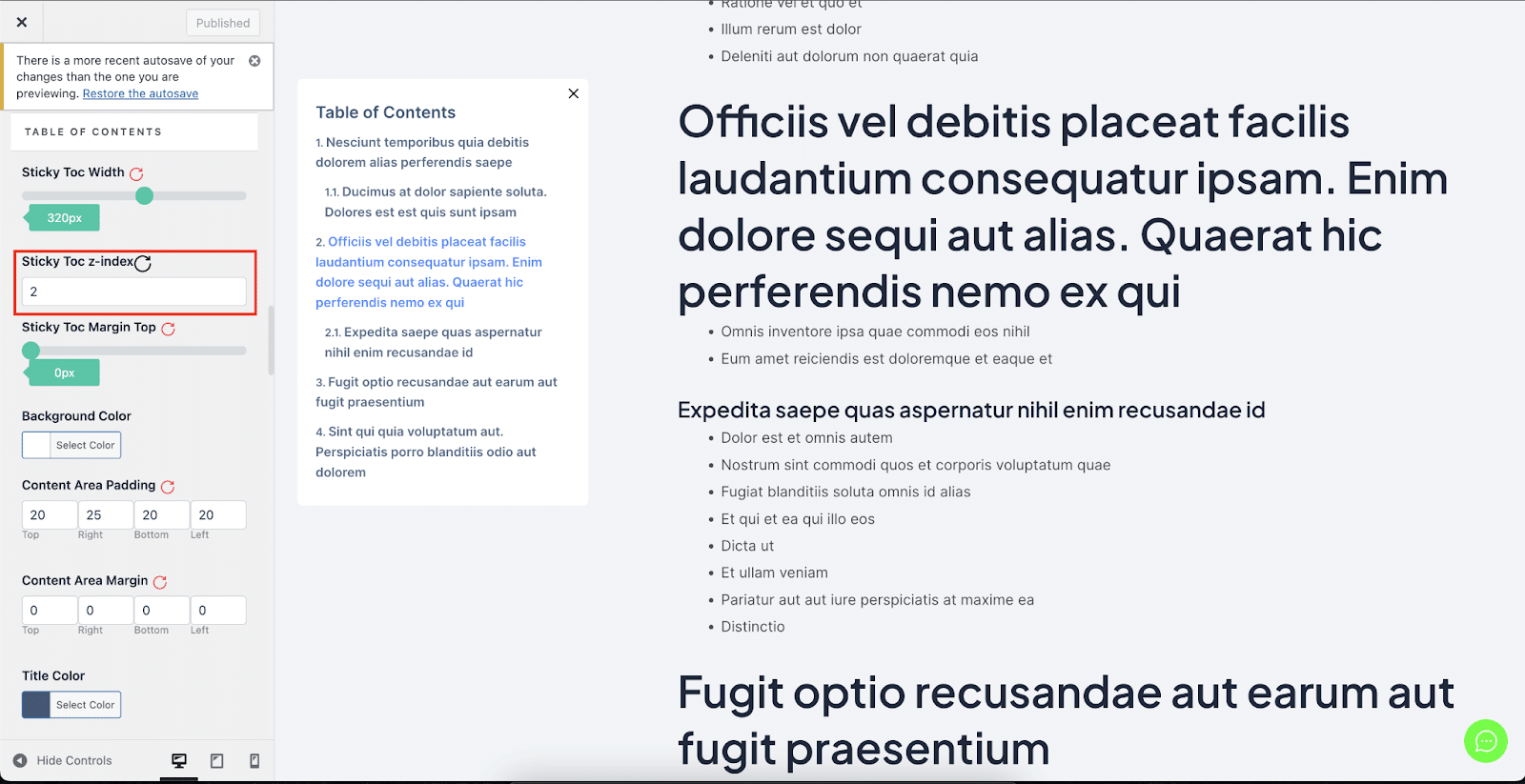
Afterwards, go to the ‘Single Doc’ page. From the 'Table des matières' section, you will find options to increase the z-index of the Sticky Table of Content. Simply use the ‘Sticky TOC z-index’ option to increase the value, and you will be good to go.
Voilà comment vous pouvez éviter Table des matières collante de chevauchement avec d'autres sections de votre site Web WordPress dans BetterDocs.


