
विभिन्न विषयों के कारण, आप एक मुठभेड़ कर सकते हैं स्टिकी सामग्री की तालिका अपने हेडर मेनू या पाद लेख के साथ अतिव्यापी। तथापि, BetterDocs gives you the flexibility to increase the z-index of Sticky TOC so that it doesn’t overlap any section of your WordPress Knowledge Base website.
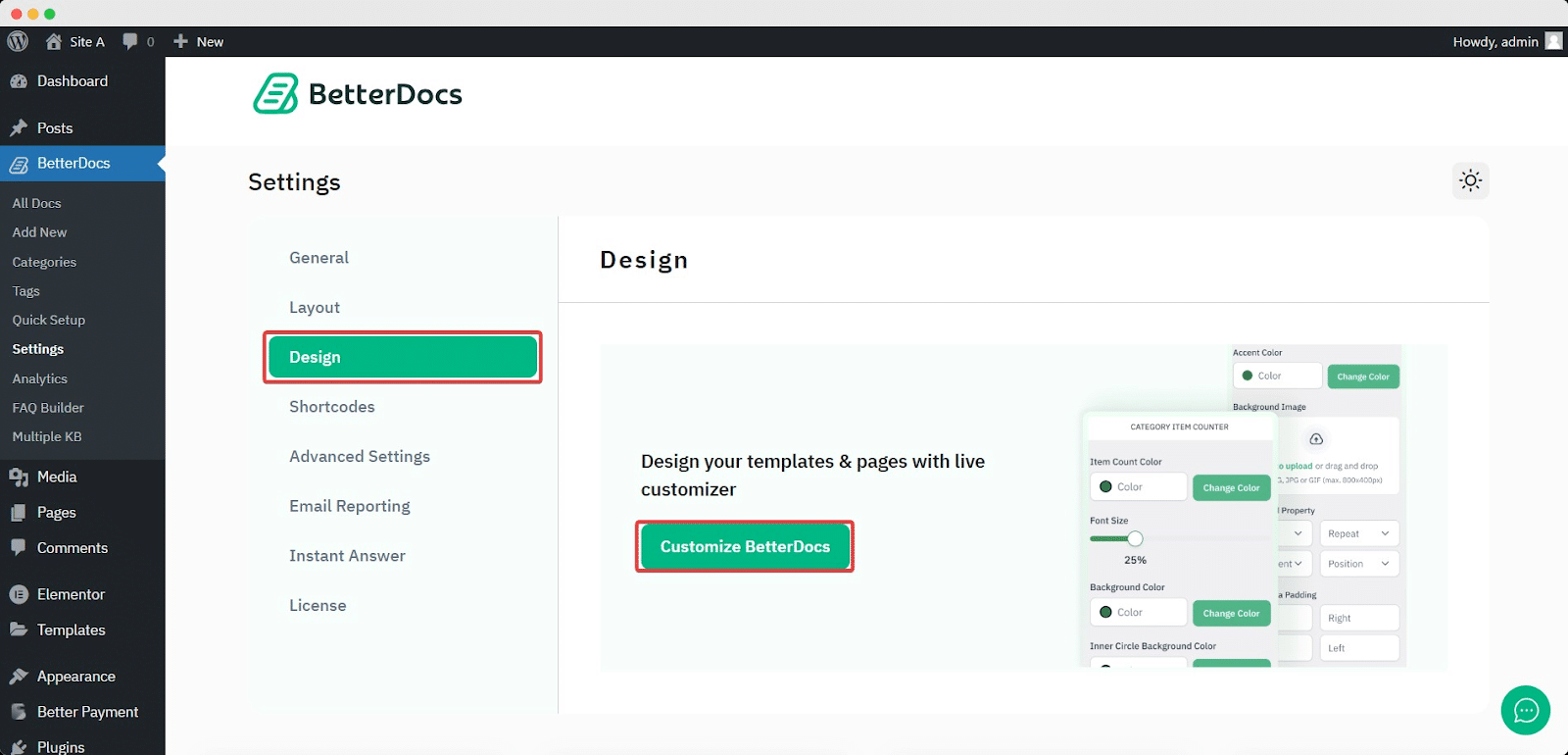
To increase the z-index of Sticky TOC, go to your WordPress डैशबोर्ड -> BetterDocs -> डिज़ाइन -> अनुकूलित करें.
Afterwards, go to the ‘Single Doc’ page. From the 'विषयसूची' section, you will find options to increase the z-index of the Sticky Table of Content. Simply use the ‘Sticky TOC z-index’ option to increase the value, and you will be good to go.
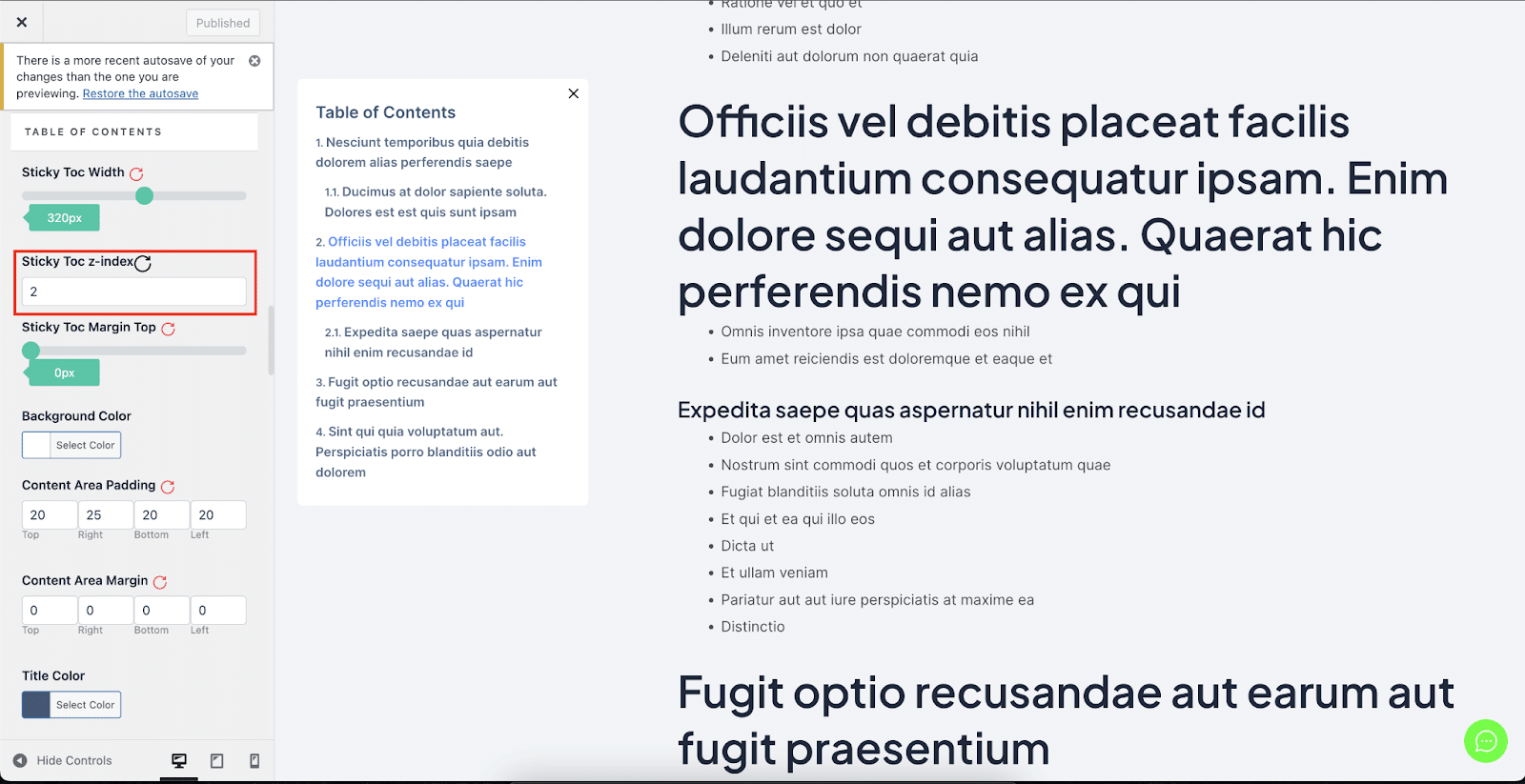
इस तरह आप बच सकते हैं स्टिकी सामग्री की तालिका WordPress में अपनी WordPress वेबसाइट के अन्य वर्गों के साथ ओवरलैपिंग से।


