
Door verschillende thema's zou je een Sticky inhoudsopgave overlappen met uw koptekstmenu of voettekst. Echter, BetterDocs gives you the flexibility to increase the z-index of Sticky TOC so that it doesn’t overlap any section of your WordPress Knowledge Base website.
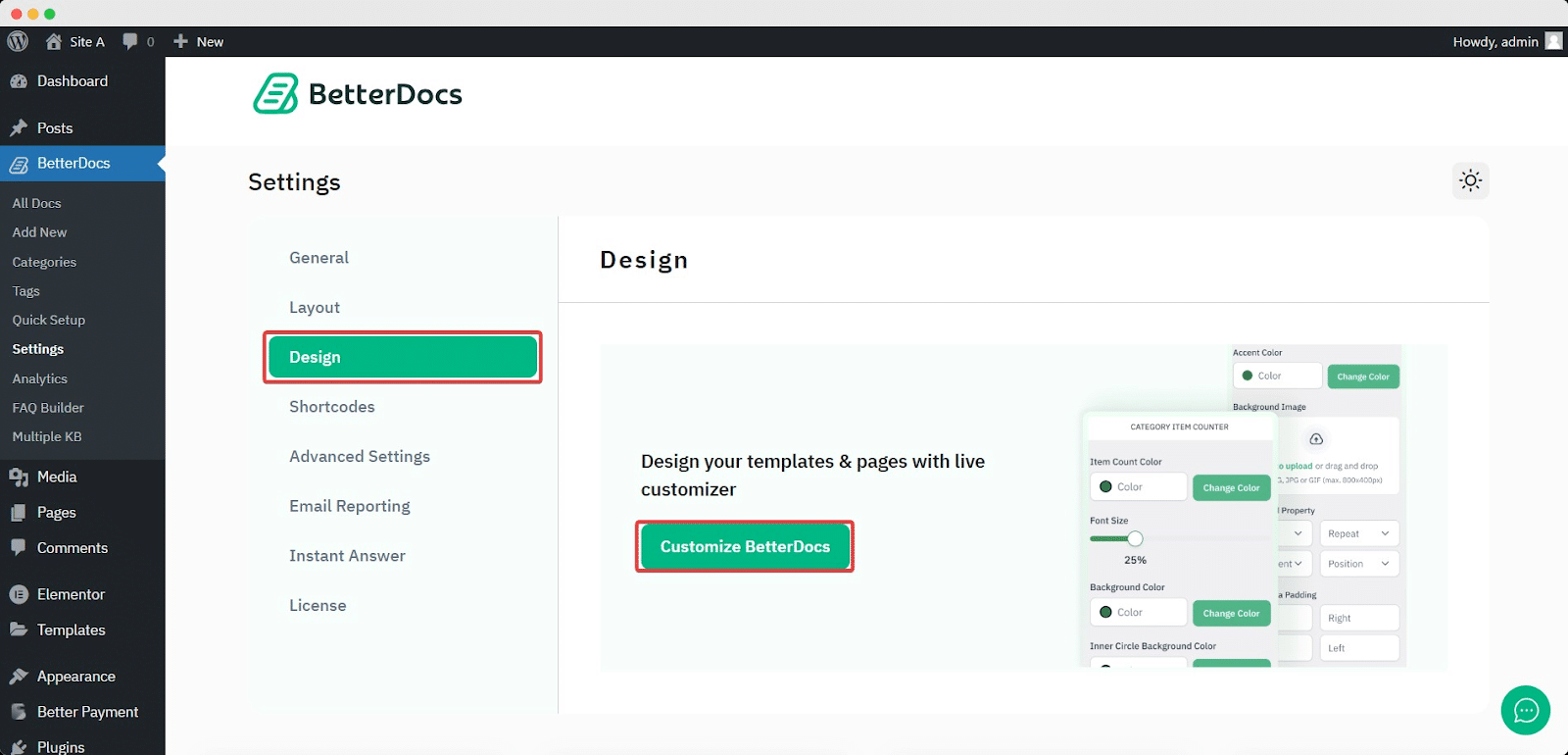
To increase the z-index of Sticky TOC, go to your WordPress Dashboard -> BetterDocs -> Design -> Aanpassen.
Afterwards, go to the ‘Single Doc’ page. From the 'Inhoudsopgave' section, you will find options to increase the z-index of the Sticky Table of Content. Simply use the ‘Sticky TOC z-index’ option to increase the value, and you will be good to go.
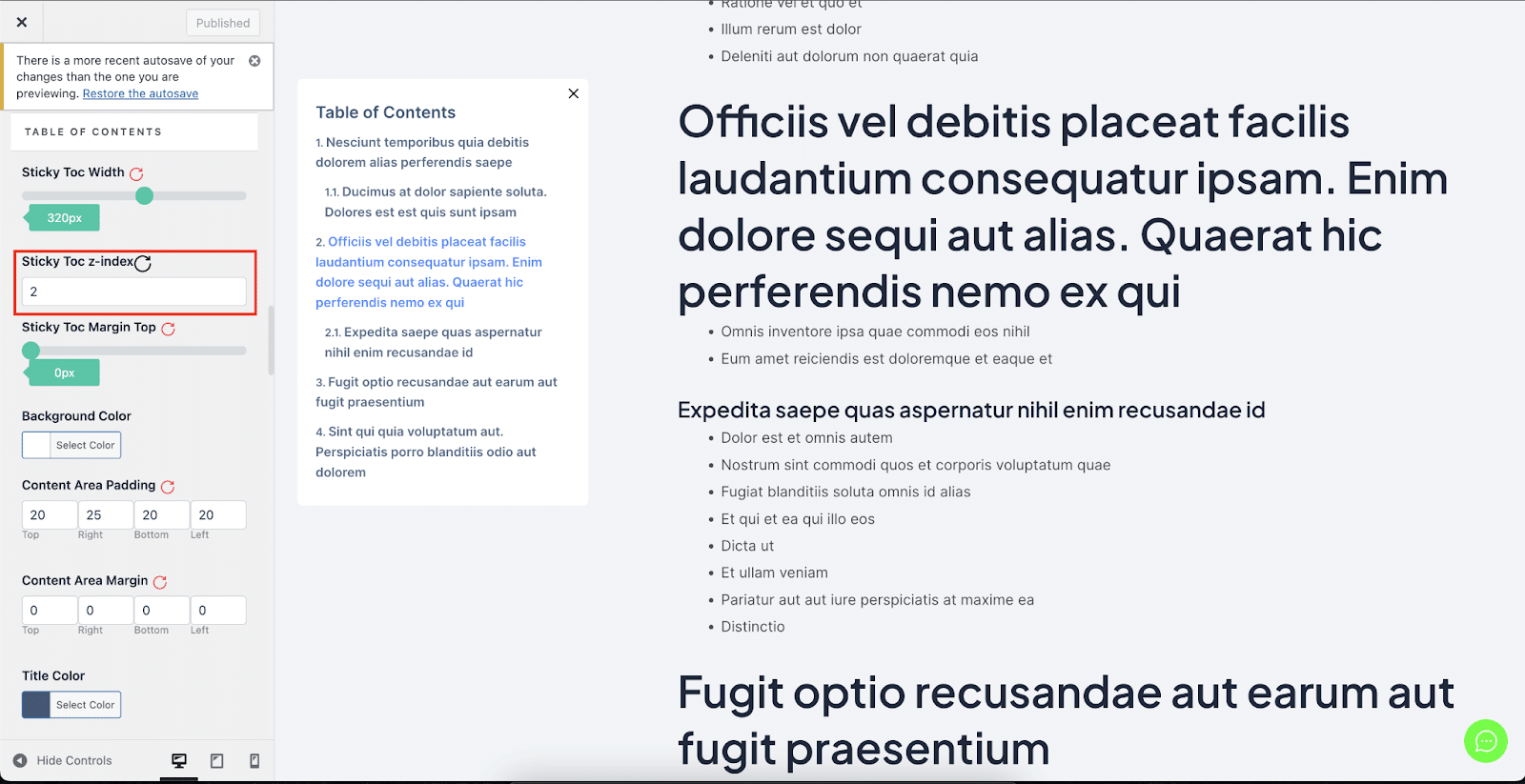
Dit is hoe je kunt vermijden Sticky inhoudsopgave overlappen met andere secties van uw WordPress-website in BetterDocs.


