
Ze względu na różne tematy możesz spotkać Przyklejony spis treści nakładające się na menu nagłówka lub stopkę. Jednak, BetterDocs gives you the flexibility to increase the z-index of Sticky TOC so that it doesn’t overlap any section of your WordPress Knowledge Base website.
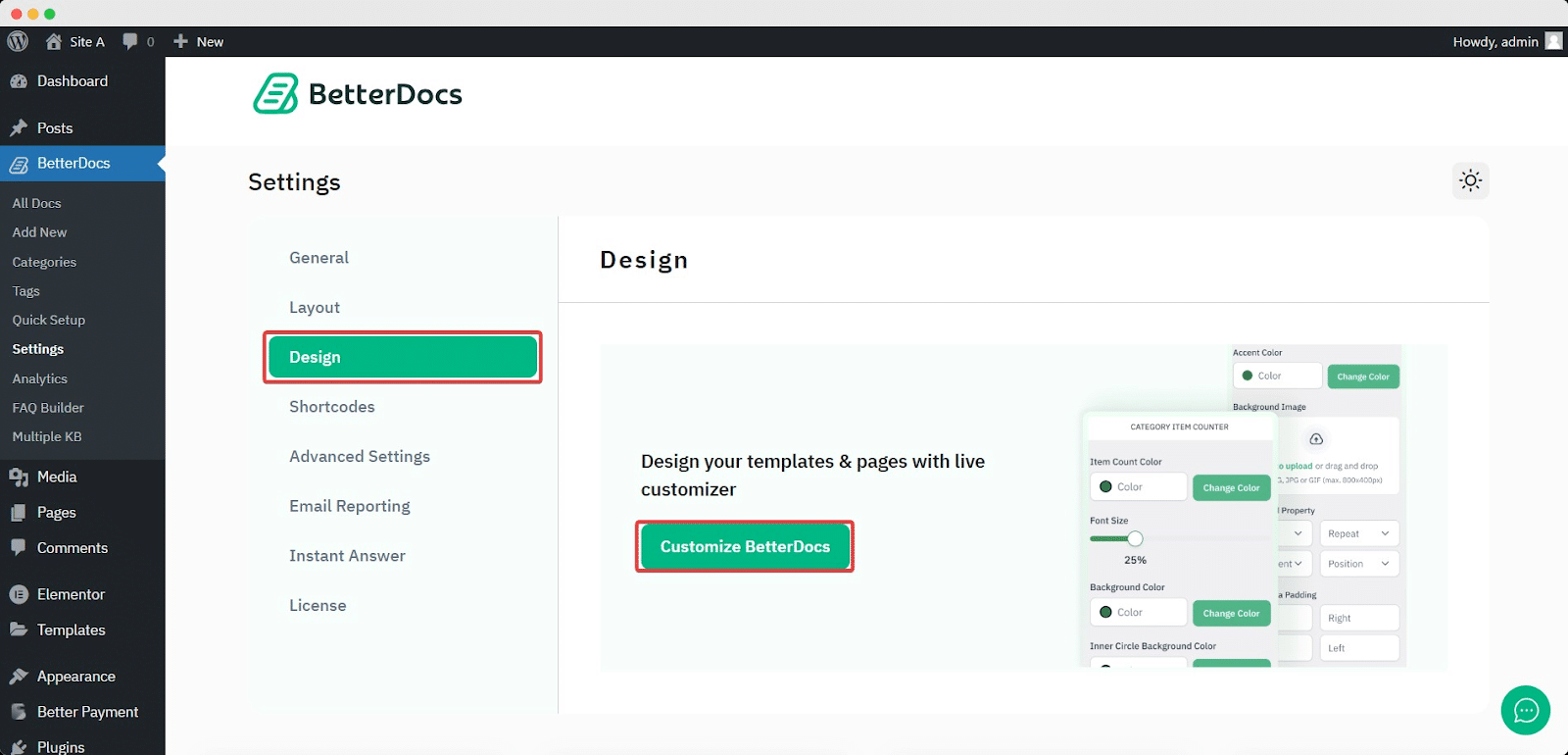
To increase the z-index of Sticky TOC, go to your Pulpit nawigacyjny WordPress -> BetterDocs -> Projekt -> Dostosuj.
Afterwards, go to the ‘Single Doc’ page. From the 'Spis treści' section, you will find options to increase the z-index of the Sticky Table of Content. Simply use the ‘Sticky TOC z-index’ option to increase the value, and you will be good to go.
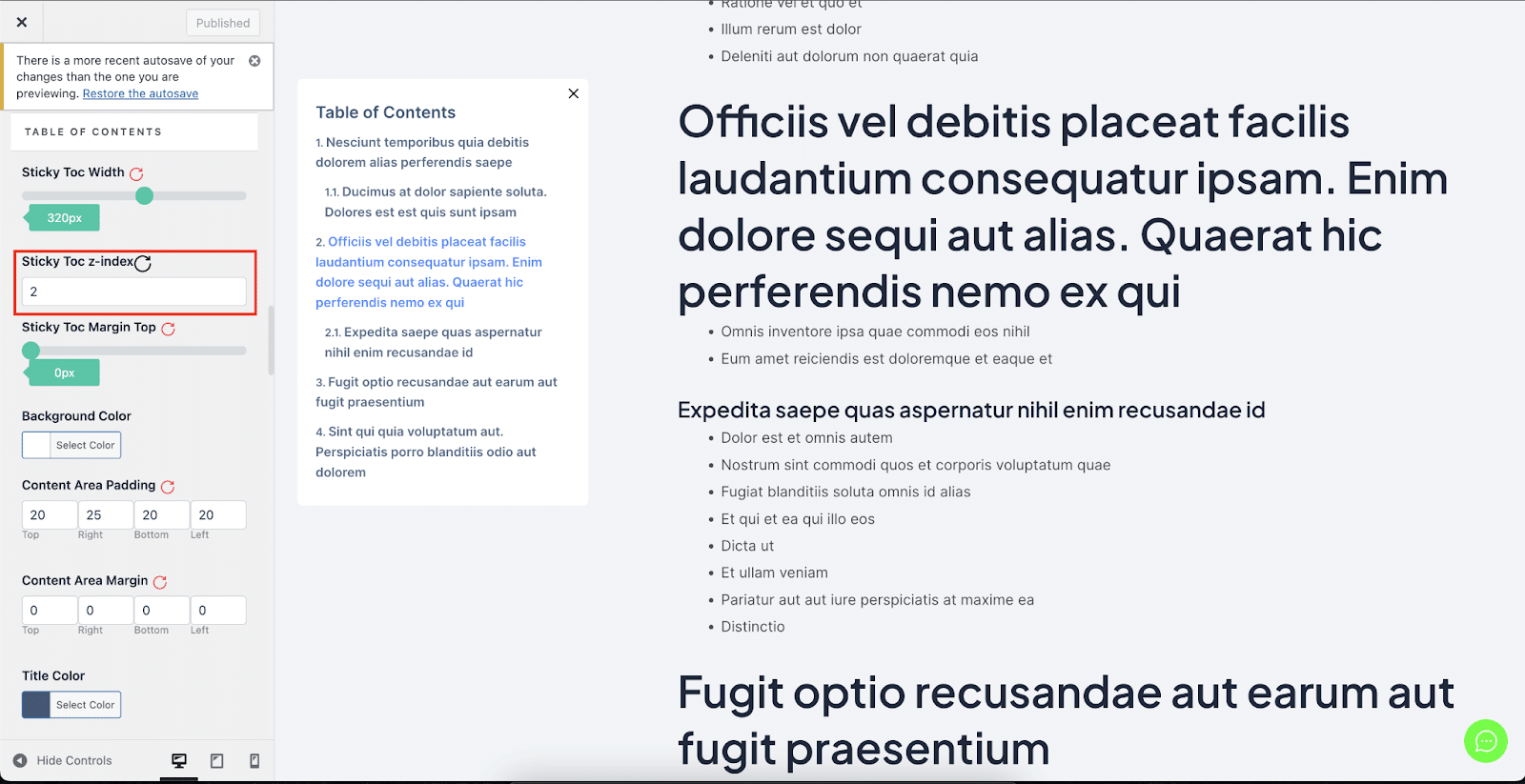
W ten sposób możesz uniknąć Przyklejony spis treści od nakładania się na inne sekcje witryny WordPress w BetterDocs.


