
Datorită diferitelor teme, puteți întâlni o Cuprins lipicios suprapunerea cu meniul antet sau subsol. In orice caz, BetterDocs gives you the flexibility to increase the z-index of Sticky TOC so that it doesn’t overlap any section of your WordPress Knowledge Base website.
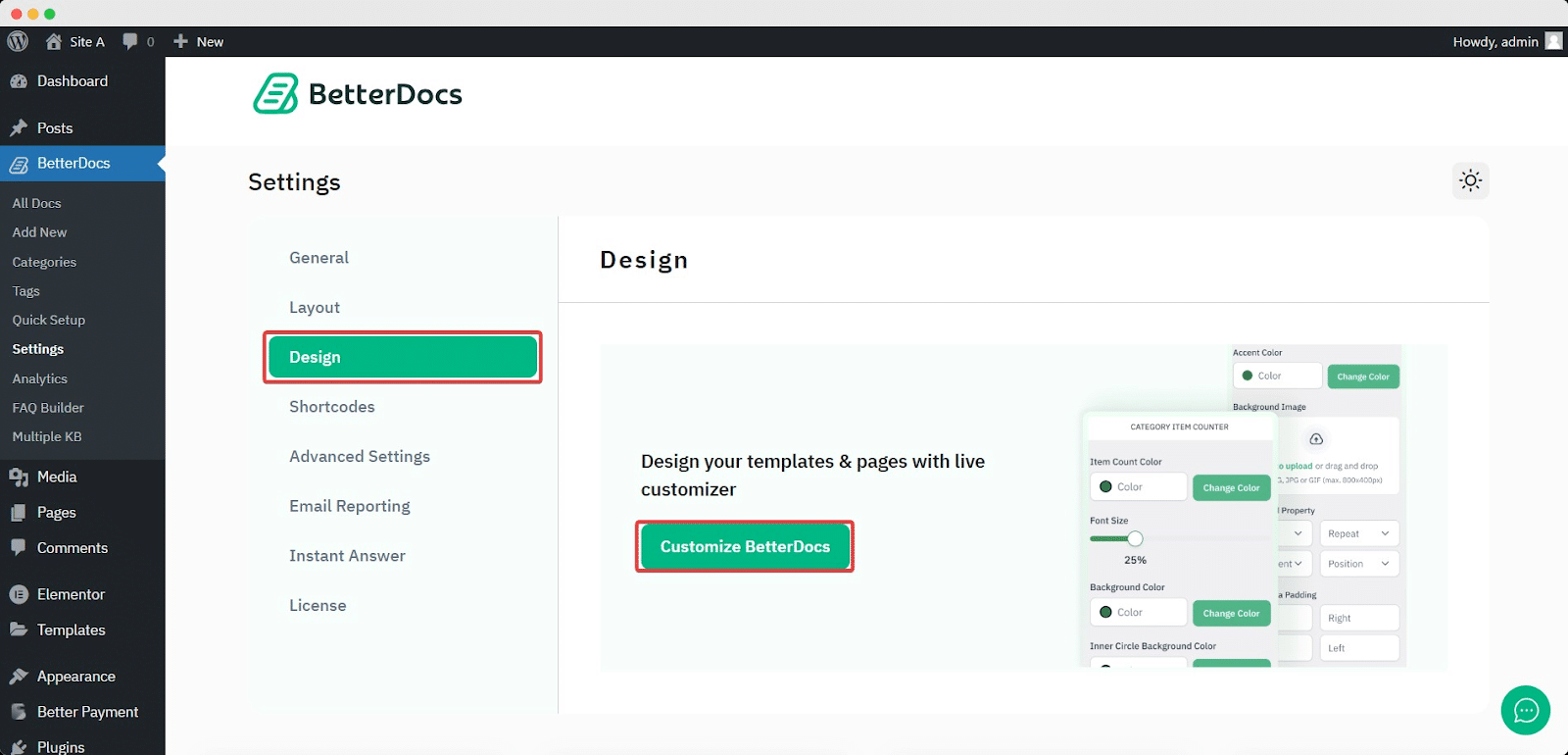
To increase the z-index of Sticky TOC, go to your WordPress Dashboard -> BetterDocs -> Design -> Personalizare.
Afterwards, go to the ‘Single Doc’ page. From the 'Cuprins' section, you will find options to increase the z-index of the Sticky Table of Content. Simply use the ‘Sticky TOC z-index’ option to increase the value, and you will be good to go.
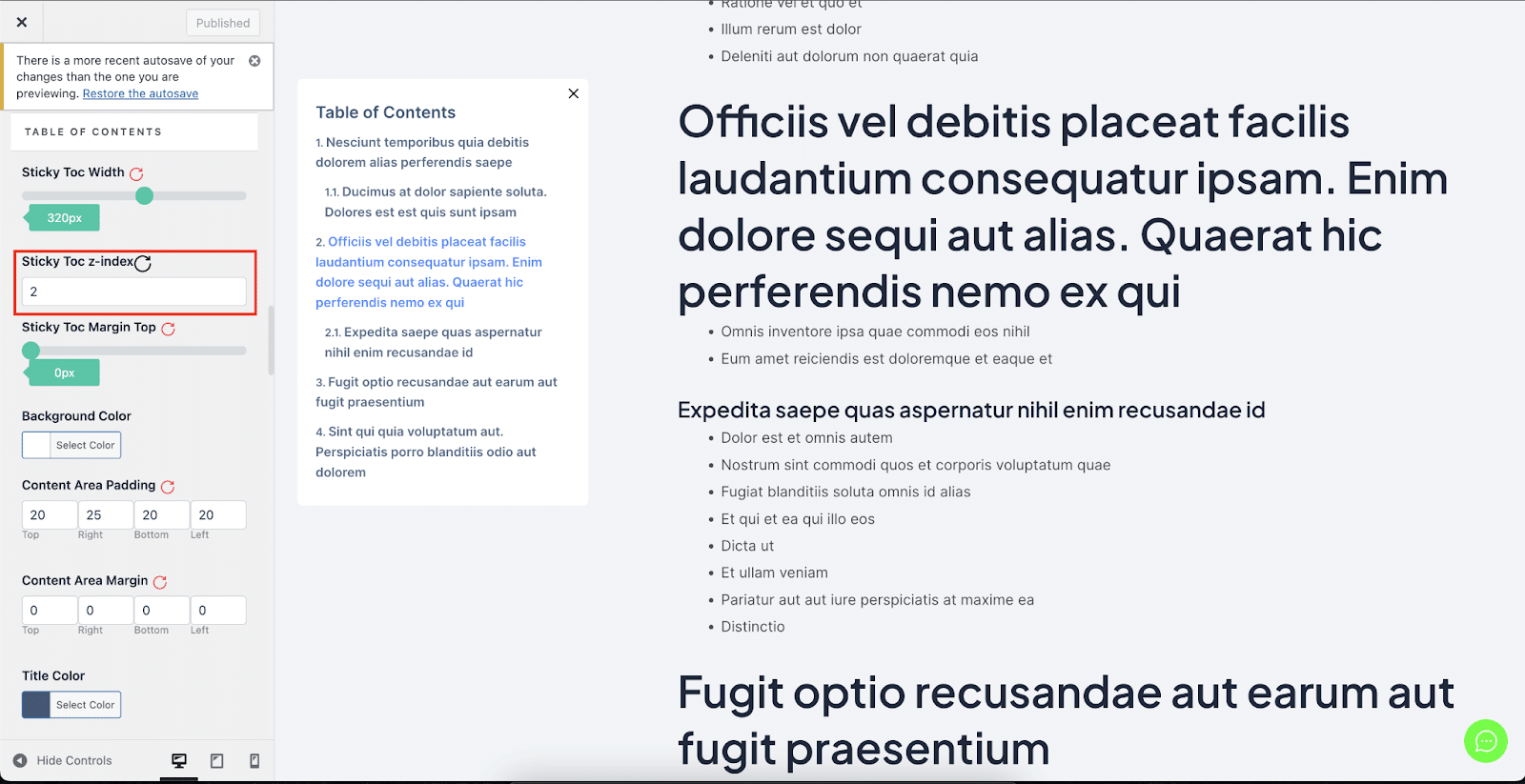
Astfel puteți evita Cuprins lipicios de la suprapunerea cu alte secțiuni ale site-ului dvs. web WordPress în BetterDocs.


