
Из-за разных тем, вы можете столкнуться с Липкая таблица содержания перекрывающиеся с заголовком меню или нижнего колонтитула Однако, BetterDocs gives you the flexibility to increase the z-index of Sticky TOC so that it doesn’t overlap any section of your WordPress Knowledge Base website.
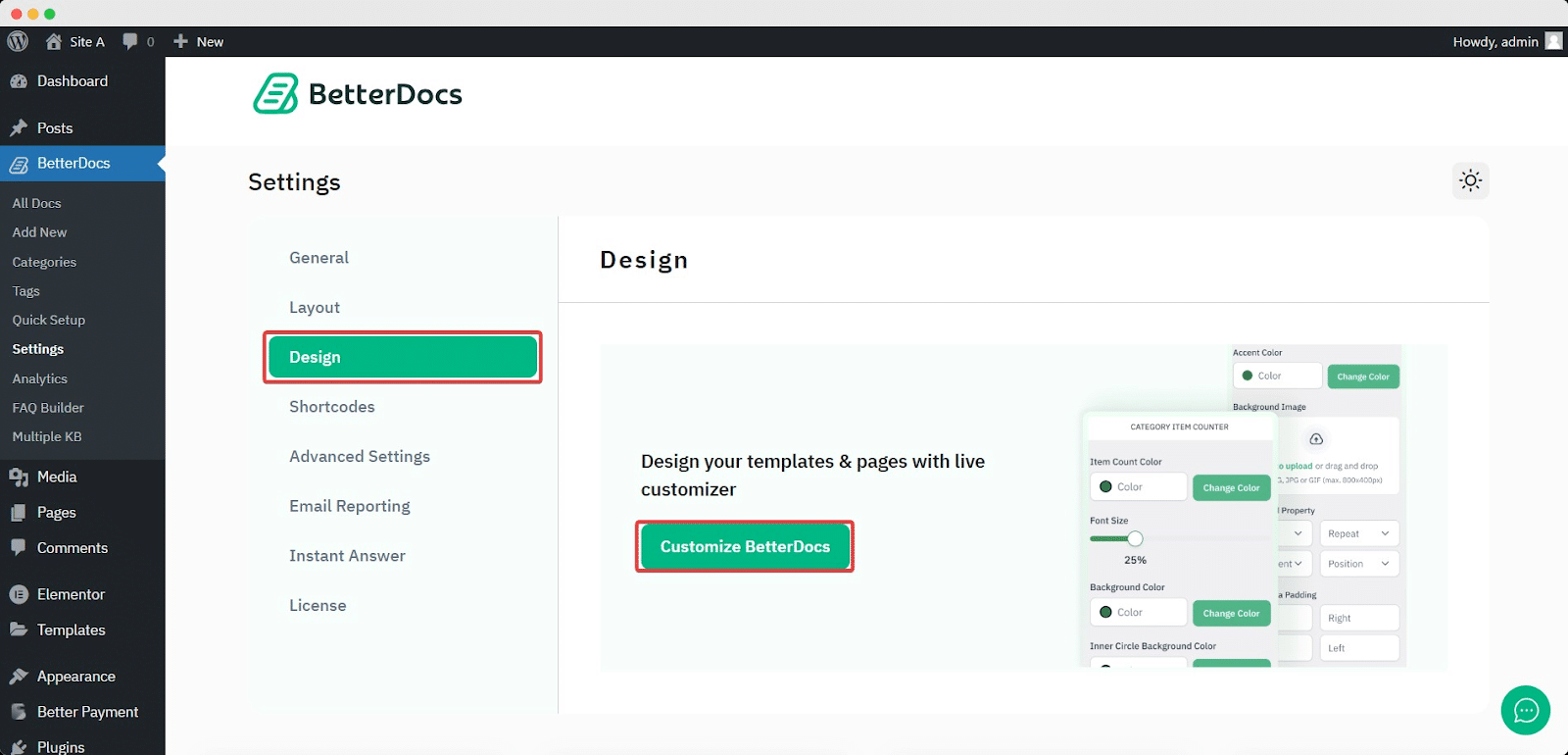
To increase the z-index of Sticky TOC, go to your Панель WordPress -> BetterDocs -> Дизайн -> Настройка.
Afterwards, go to the ‘Single Doc’ page. From the «Содержание» section, you will find options to increase the z-index of the Sticky Table of Content. Simply use the ‘Sticky TOC z-index’ option to increase the value, and you will be good to go.
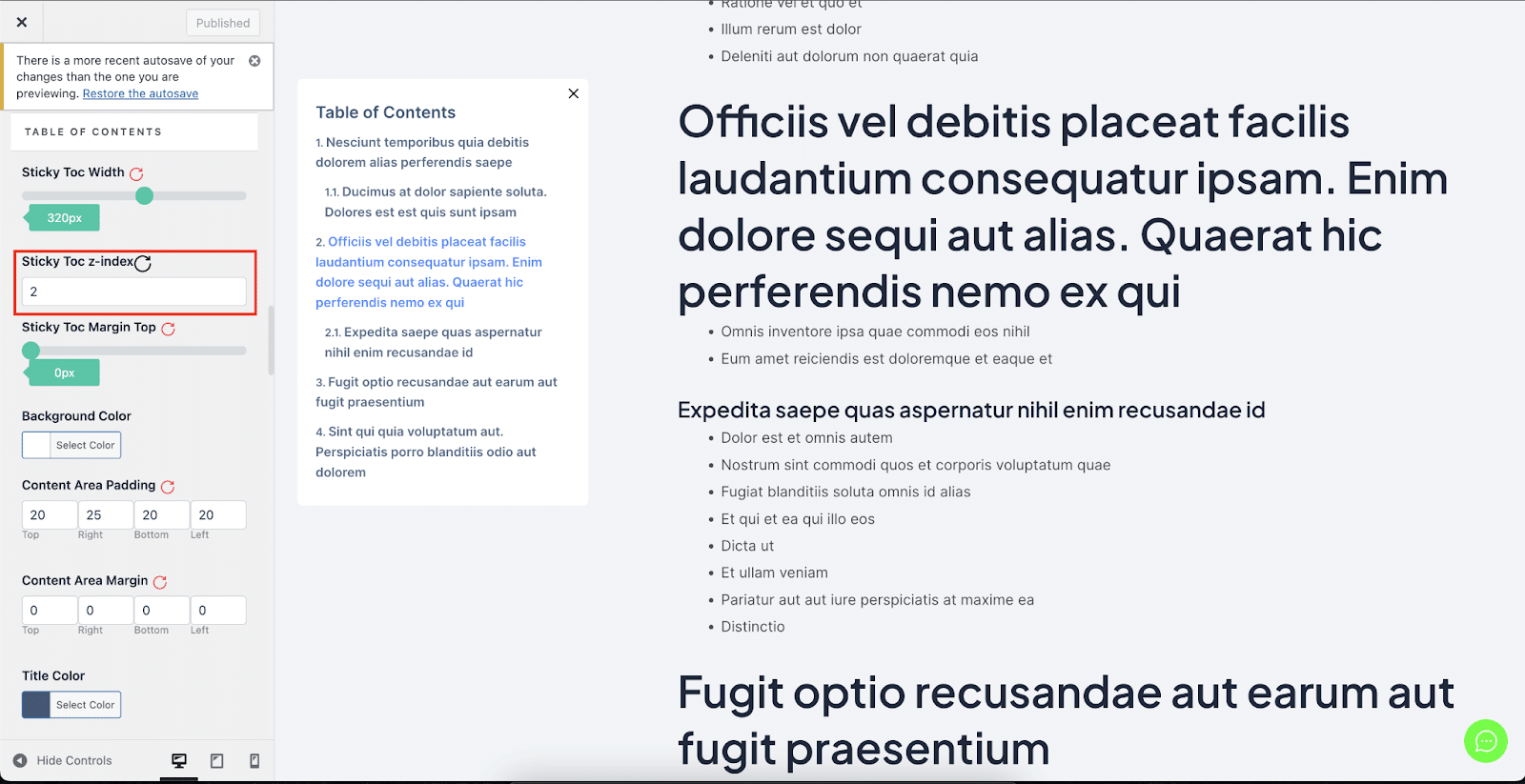
Вот как вы можете избежать Липкая таблица содержания от совпадения с другими разделами вашего сайта WordPress в BetterDocs.


