
BetterDocs Pro helps to take your Knowledge base management system to the next level. Follow these simple steps for purchasing the PRO version of BetterDocs.
How To Purchase BetterDocs PRO #
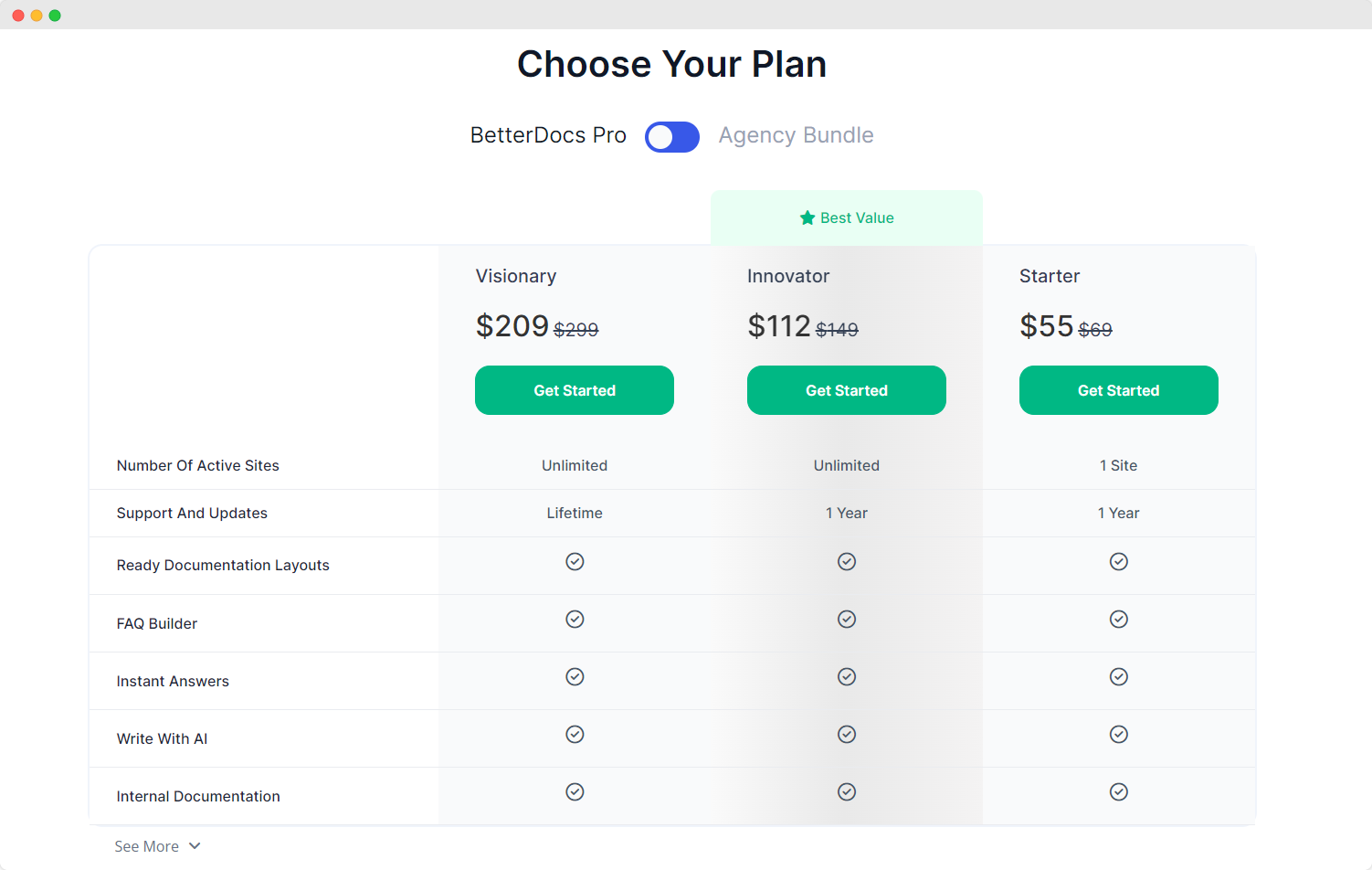
Шаг 1: Перейти к BetterDocs страница нашего сайта. Затем просто перейдите к «Ценообразование» раздел или ударил по 'Начать' Button. Then, simply pick a pricing plan and click on the 'Начать' Кнопка.
Шаг 2: Вы будете перенаправлены на 'Проверять, выписываться' Пейдж и BetterDocs будут «Добавлено в корзину».
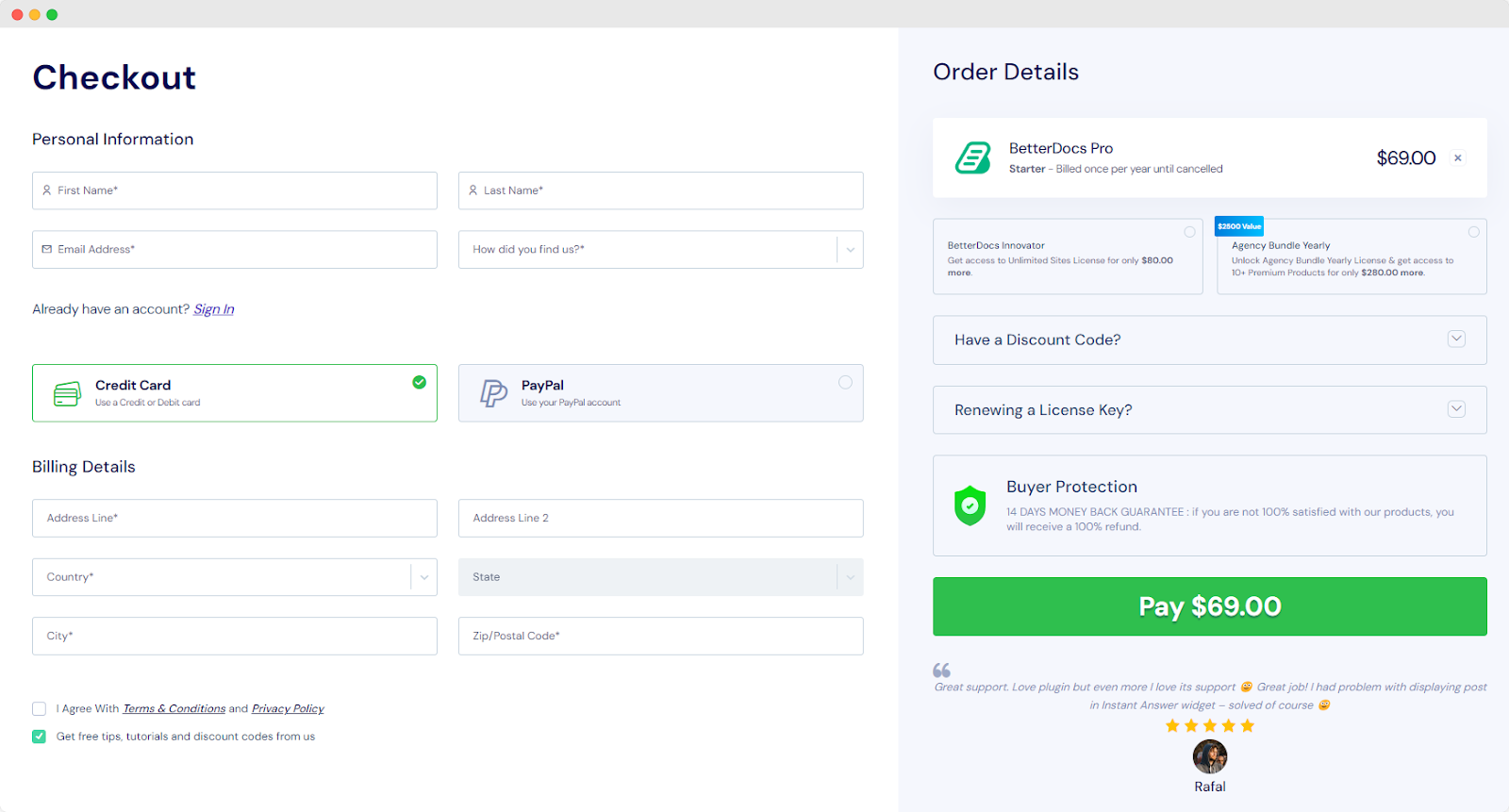
Шаг 3: Выберите 'Способ оплаты', Затем заполните 'Личная информация' и нажмите на 'Pay' кнопка.
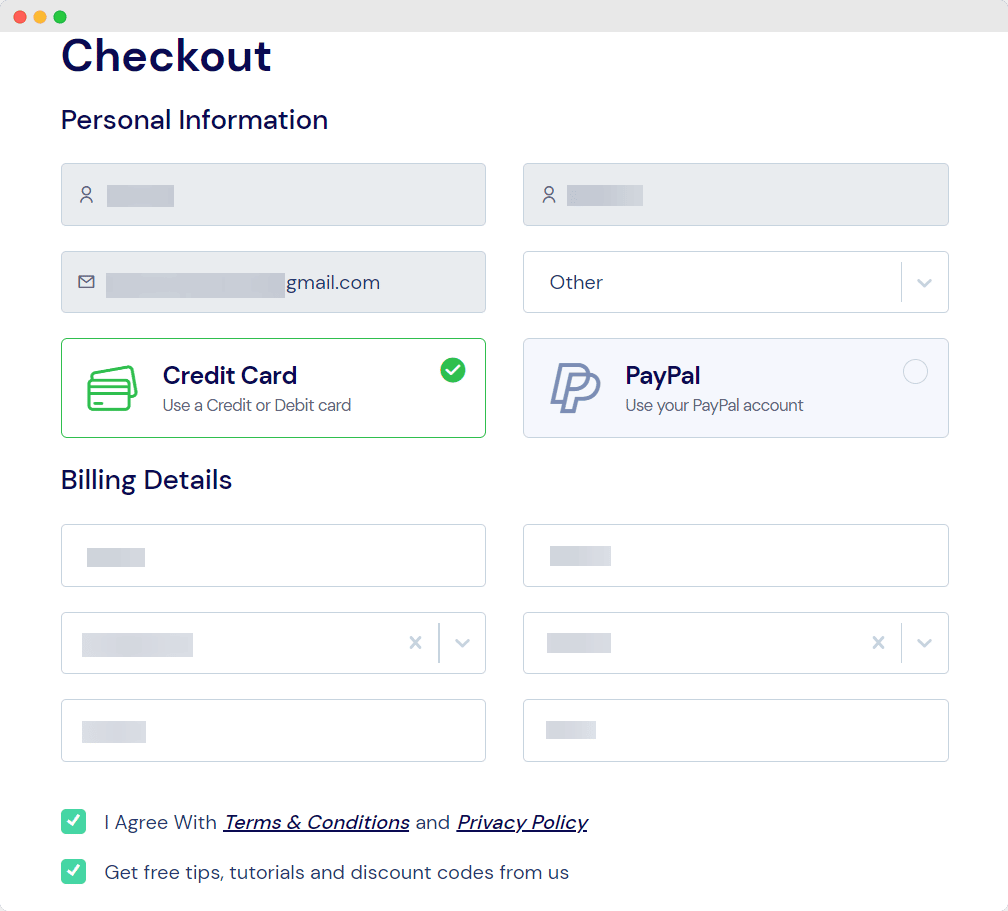
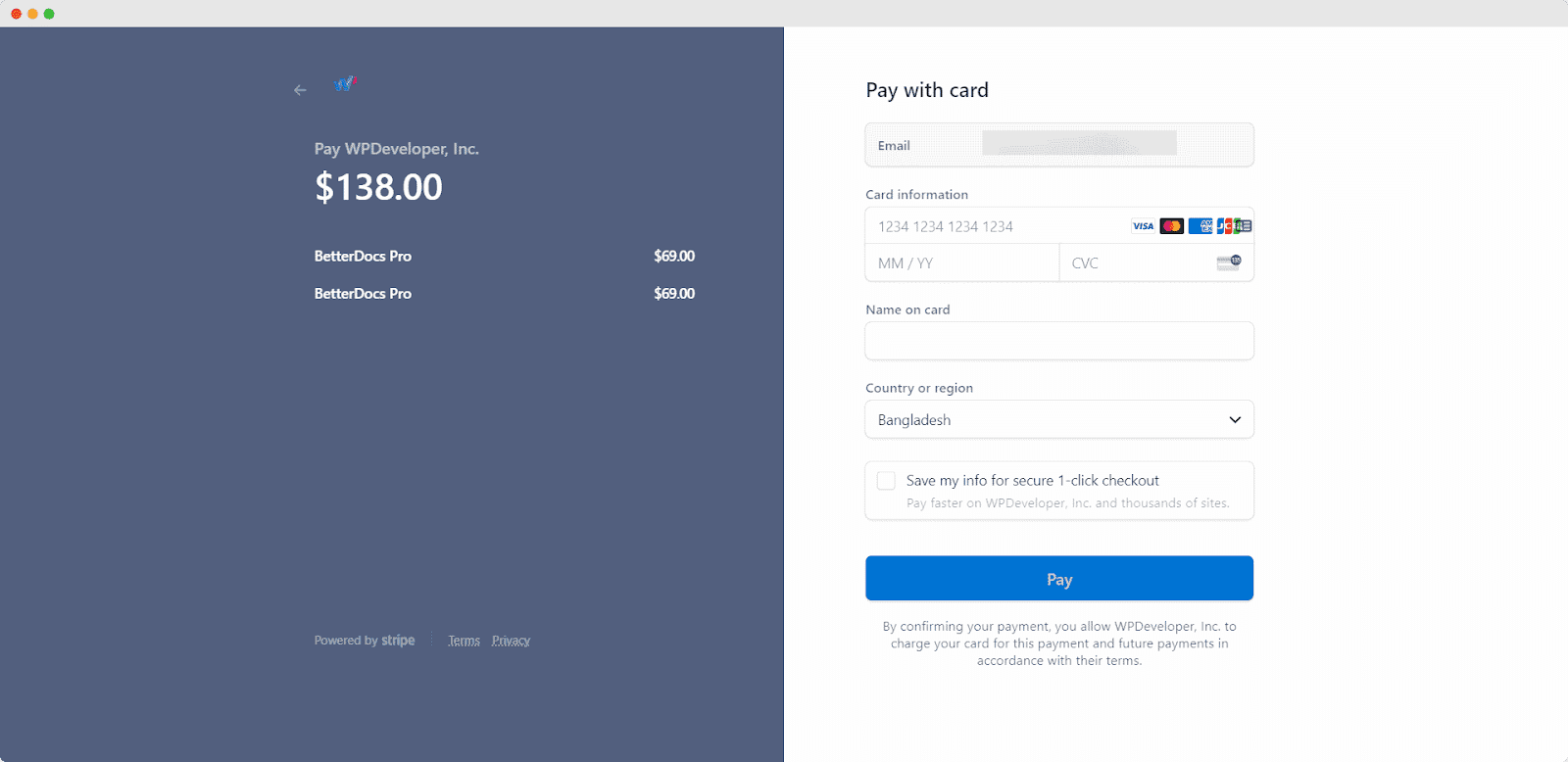
Шаг 4: Once you click the ‘Pay’’ button, you will be redirected to the payment pages If you have chosen the ‘Credit Card’ option as the payment method you will be redirected to the Stripe payment page. Now, you need to fill up the payment information and hit the 'Pay' кнопка.
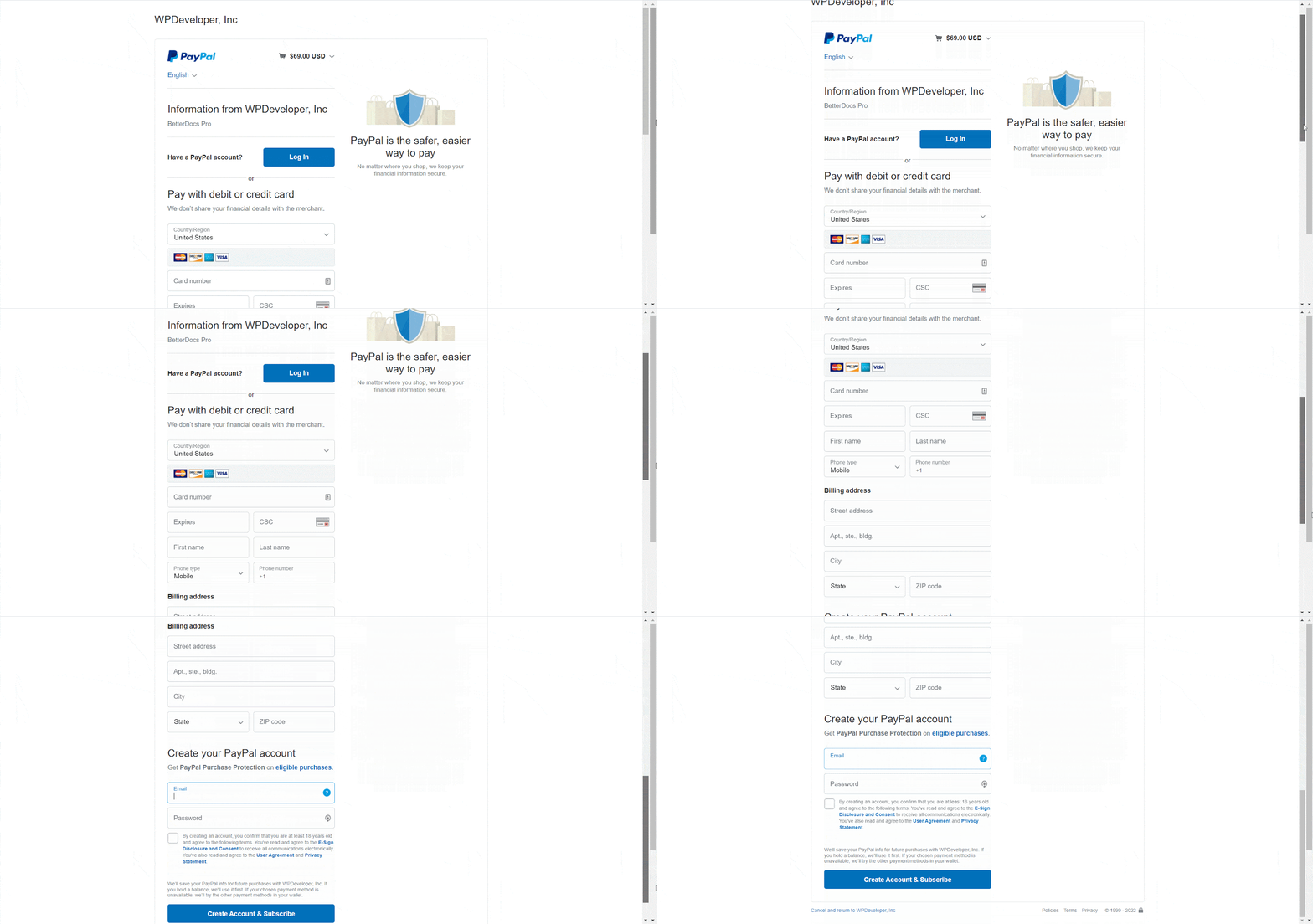
If you choose ‘PayPal’ as the payment option, you will be redirected to PayPal’s payment page. Now you have to login to your PayPal account and finish the purchase.
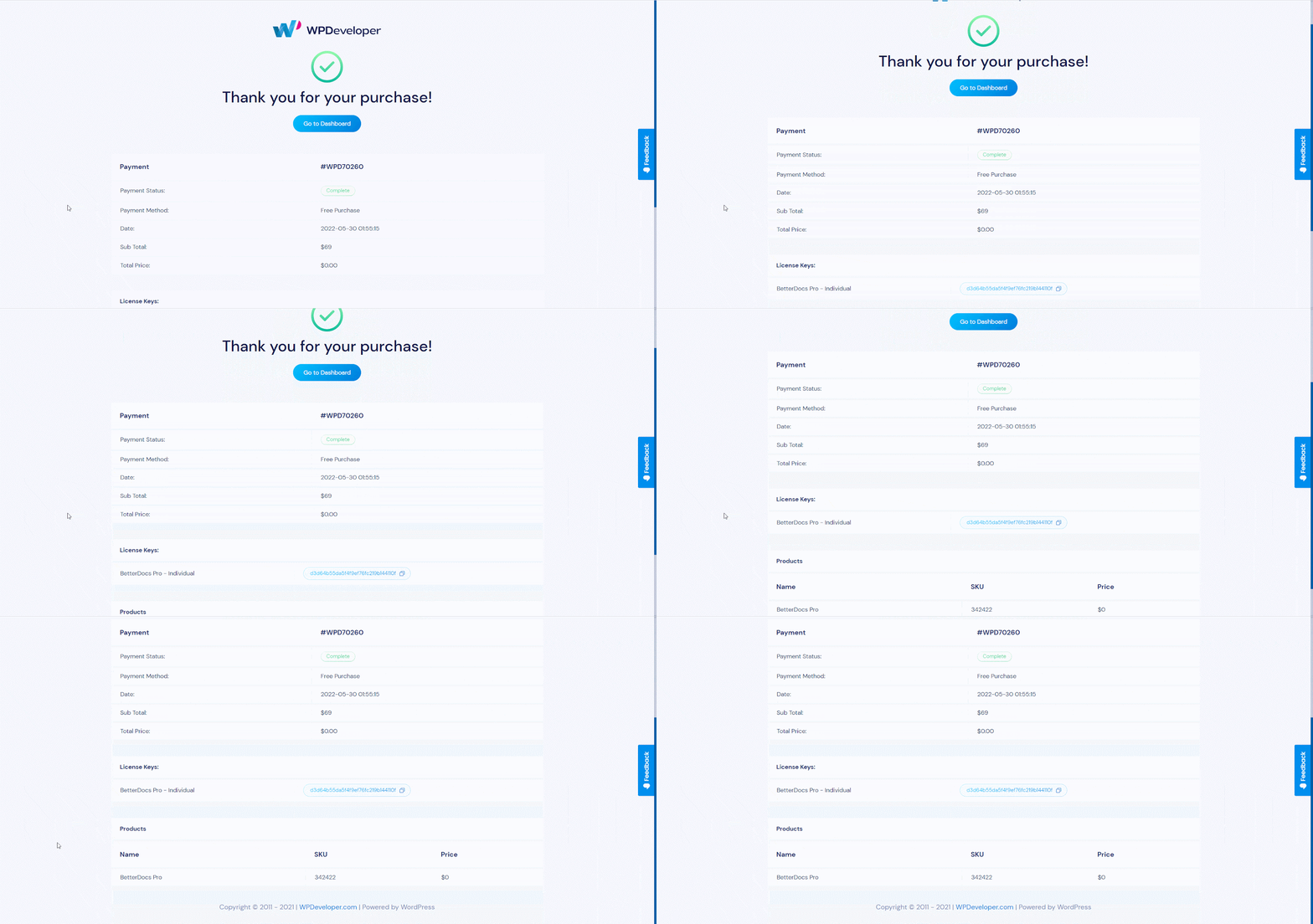
Шаг 5: После успешного завершения платежа вы будете перенаправлены на 'Подтверждение покупки' стр. Вы можете скачать BetterDocs плагин с этой страницы.
By following these simple steps, you can easily purchase BetterDocs PRO for any plan.Getting Stuck? Feel free to contact our dedicated support team for any further assistance.


