
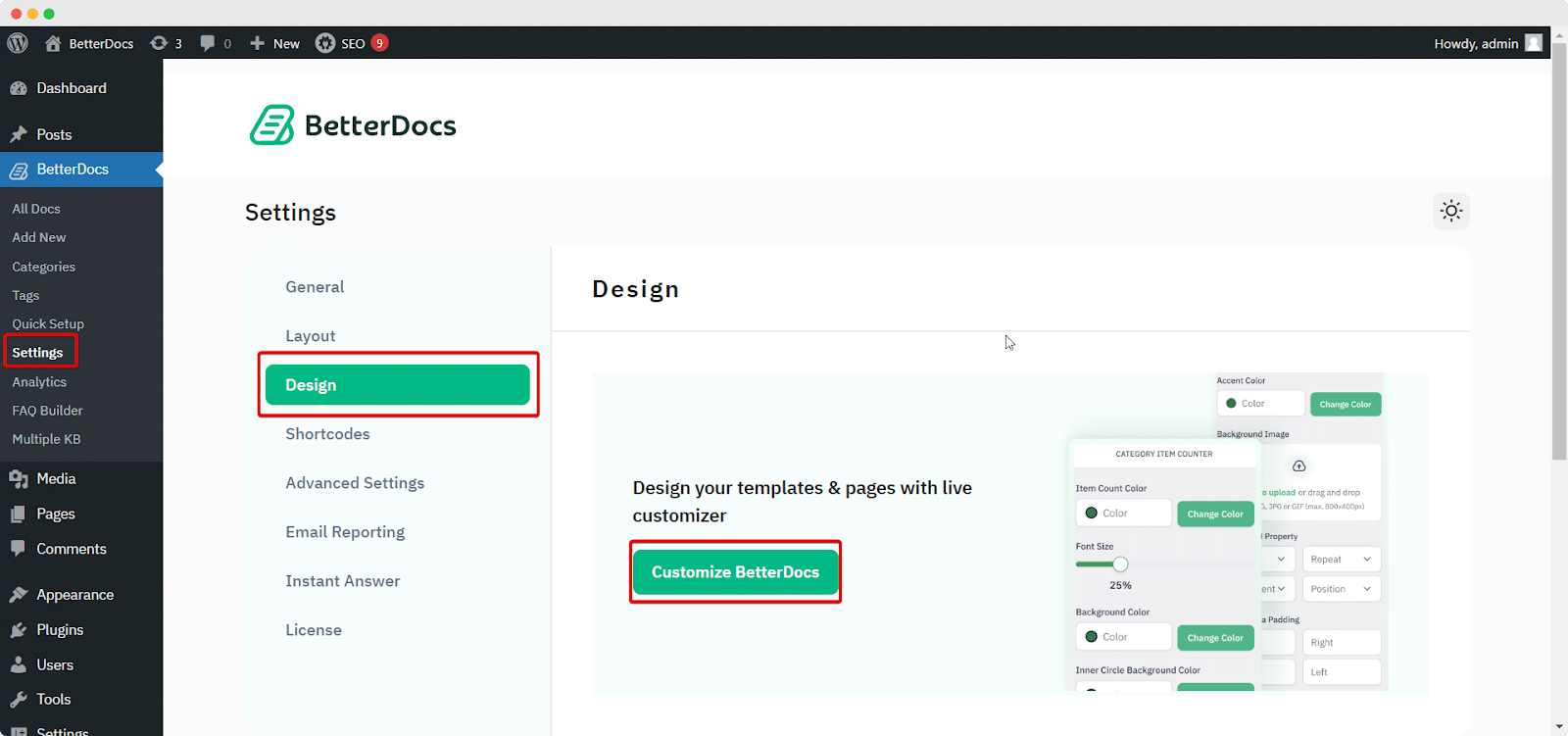
是的你可以 禁用反馈表情符号 that appear in Single doc pages in BetterDocs. To do that, simply just go to wp-admin → BetterDocs → Settings → Design tab. Then, click on the ‘Customize BetterDocs’ 选项。
单击后,导航到 BettterDocs → Single Doc → Reactions 部分,然后点击切换按钮将其禁用。 反馈表情符号 will no longer appear in the BetterDocs single doc page as a result.
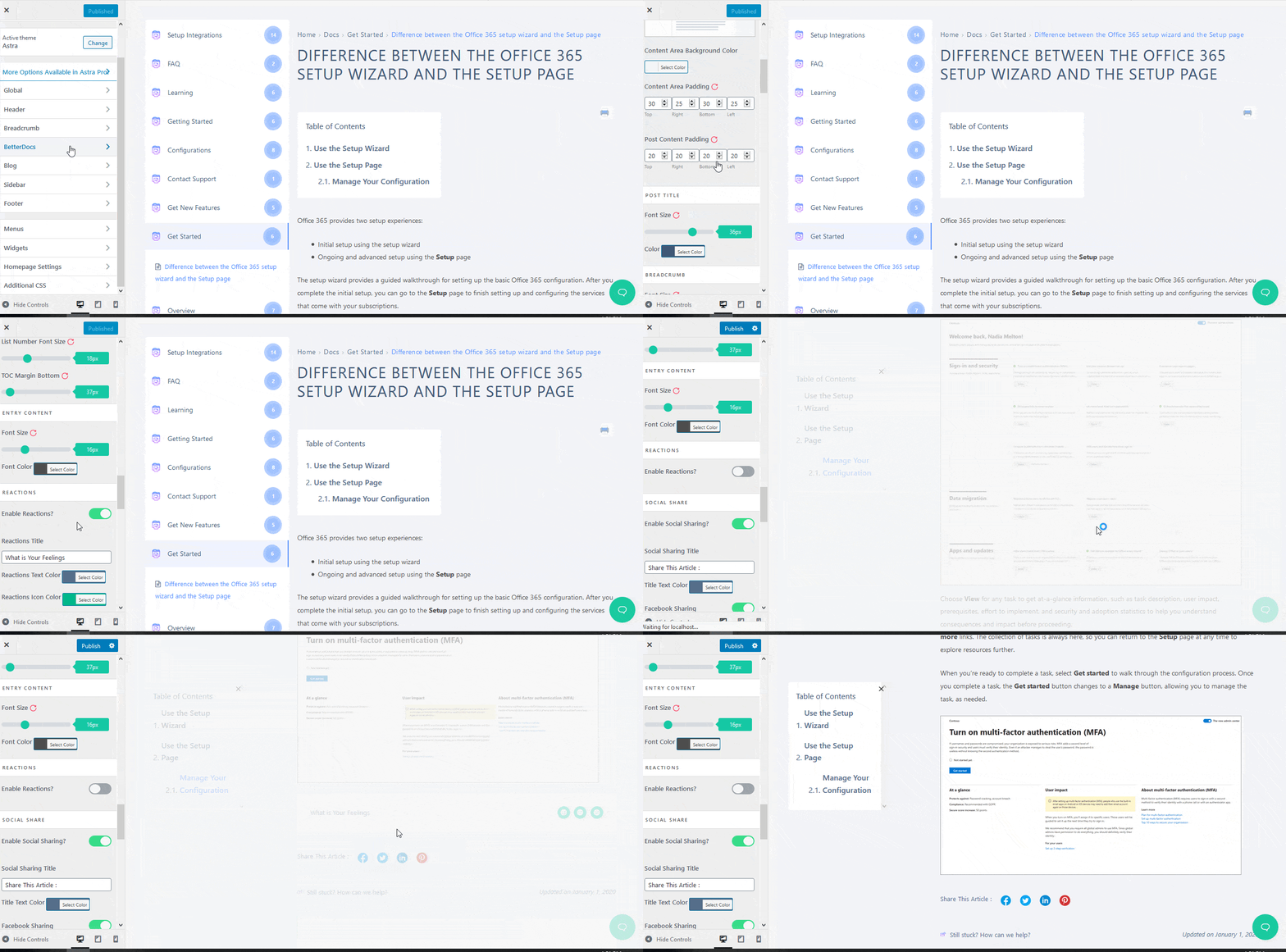
This is how you can enable and disable feedback emojis in BetterDocs. Feel free to reach out to our dedicated support team 我们将为您的查询提供帮助。


