
由于主题不同,您可能会遇到 粘性目录 与您的页眉菜单或页脚重叠。然而, BetterDocs gives you the flexibility to increase the z-index of Sticky TOC so that it doesn’t overlap any section of your WordPress Knowledge Base website.
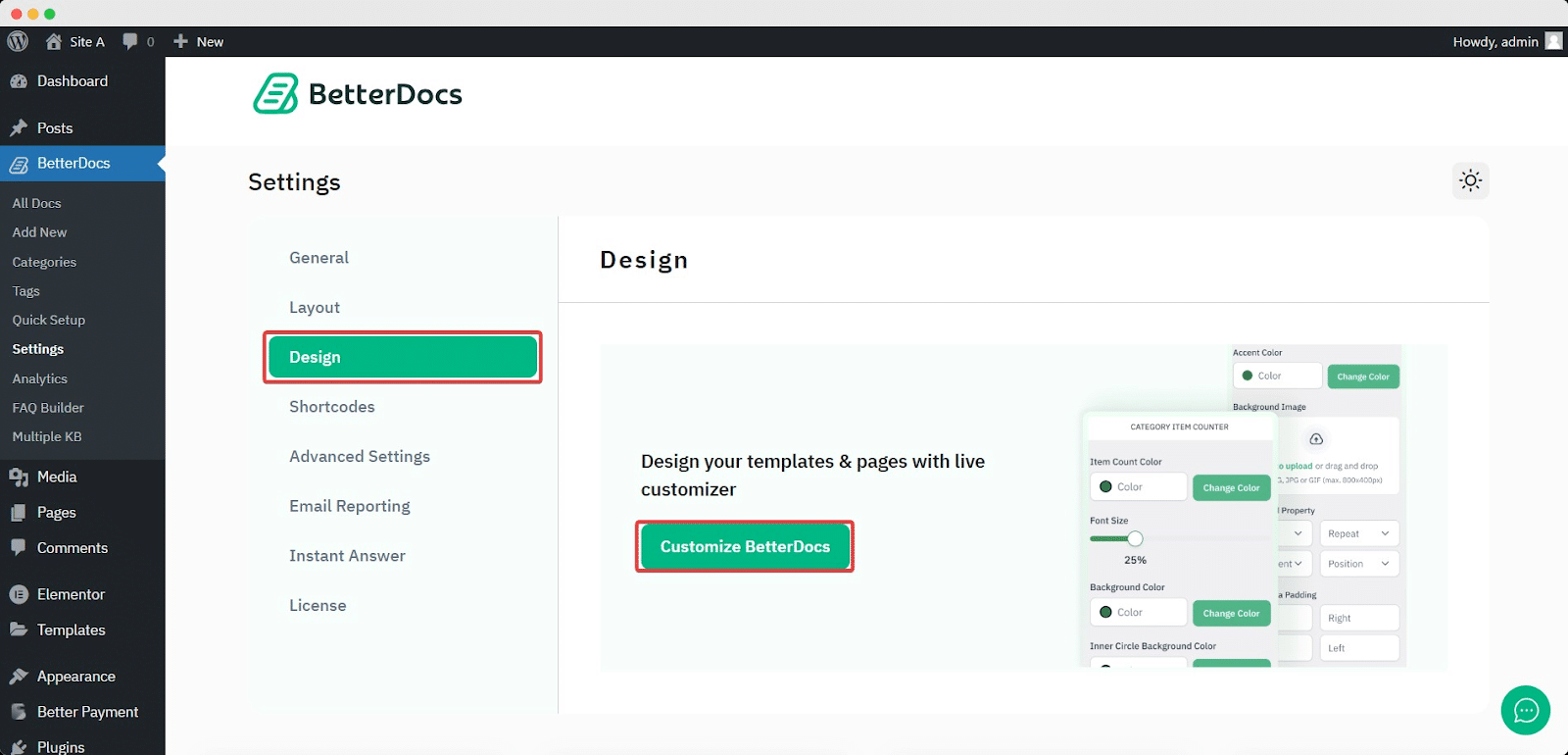
To increase the z-index of Sticky TOC, go to your WordPress仪表板-> BetterDocs->设计->定制.
Afterwards, go to the ‘Single Doc’ page. From the '表中的内容' section, you will find options to increase the z-index of the Sticky Table of Content. Simply use the ‘Sticky TOC z-index’ option to increase the value, and you will be good to go.
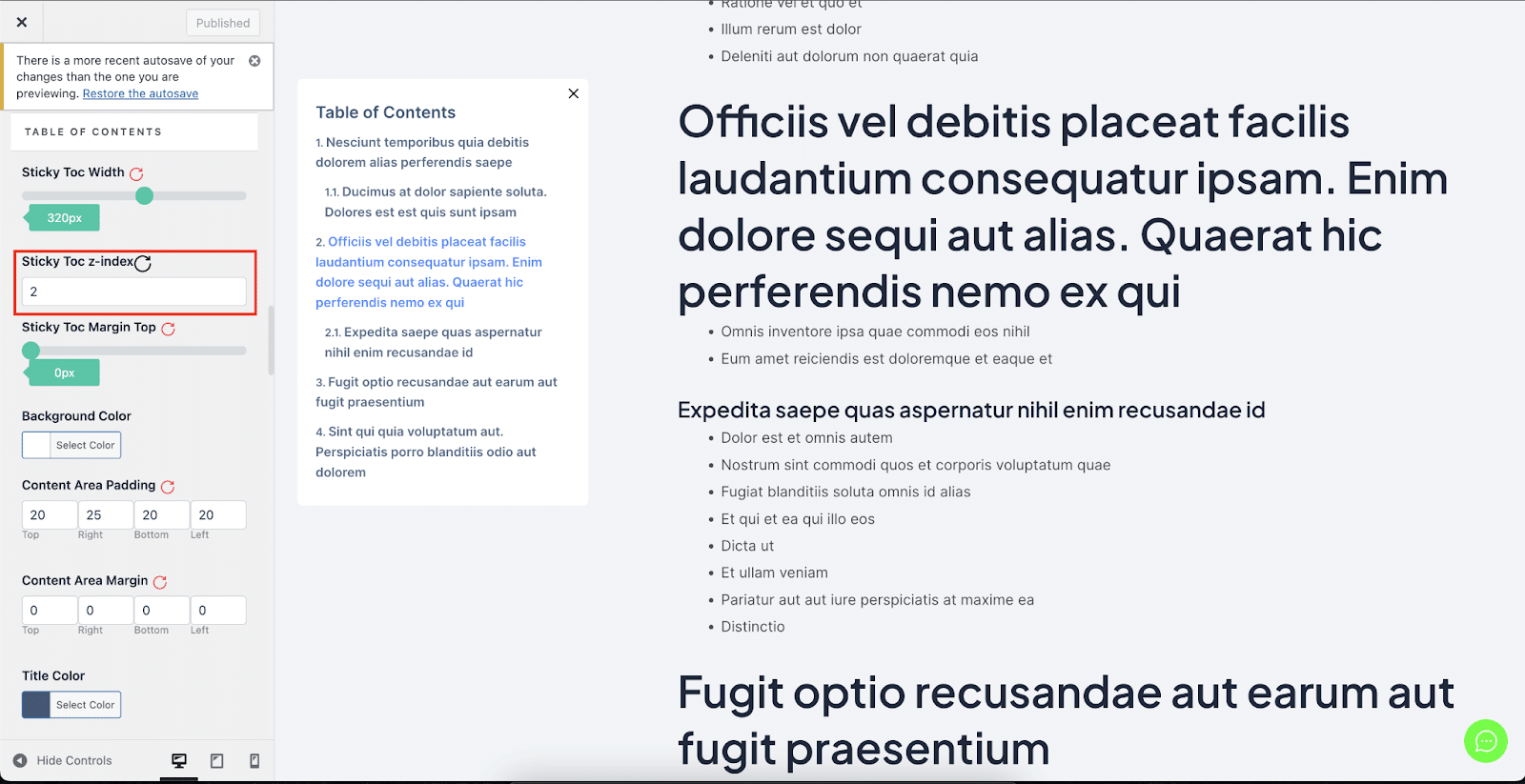
这样可以避免 粘性目录 与BetterDocs中WordPress网站的其他部分重叠。


